First Look-Quick Review of ThinkPad T430u
After I’ve used Dell Studio 1555 for more than 3 years. It’s starting to get too hot and GPU work really hard for my games. Fan change is impossible to do it myself and to call Dell, it would be expensive. So here I’m with my new ThinkPad T430u from Lenovo
(All photos were shot by my Samsung Galaxy SII, sorry for a low quality of photos)
This is my configuration (I think, it’s the only one in Thailand)
- Intel Core i5-3317U (1.7GHz up to 2.5GHz)
- 4GB of RAM
- 14.1” TFT LED Display (1366x768) (200nits)
- NVIDIA Optimus GT 620M with 1GB memory
- 1TB HDD
- Intel Centrino Wireless-N 2230
- Ericsson HSPA+ WWAN H5321gw
- Fingerprint reader
- DOS
- 3 Years Onsite Warranty
- 35,900 THB
Build Quality
I’ve never used ThinkPad before. This is very “wow!” to me if compare to other laptops on market. The body is very rigid. The screen can be extended around 180 degree. The hinges are not the same design as T430 but I think the material is the same (judged by my eyes!) All case was made of aluminium alloy which is little fingerprint magnet-able.
Keyboard and Touchpad
With TrackPoint, this system is great for writing. I don’t need to hand off my keyboard when I want to move a cursor around. The keyboard feeling is also great. If I apply quite a high force, it will be bent a bit but acceptable. Touchpad is bigger than T430 with no button and clickable ability.Volume buttons and Mute button are now a part of this 6-row keyboard. It might be annoyed to hold the Fn key before F1 or F2 to volume this system up or down.
Display
Lenovo claimed that this display is 200 nits of brightness. The screen resolution is not good as many people expected in this model, but overall it’s not that bad the color is not colorful as other laptops and the contrast ratio is quite low but I think this is great for the matte screen, please correct me. (I tried to capture the picture of the display… but I cannot :P)
Connectivity
2xUSB 3.0HDMIMini DisplayPortEthernet portSim card slotYeah…only 2 USB ports!

right side
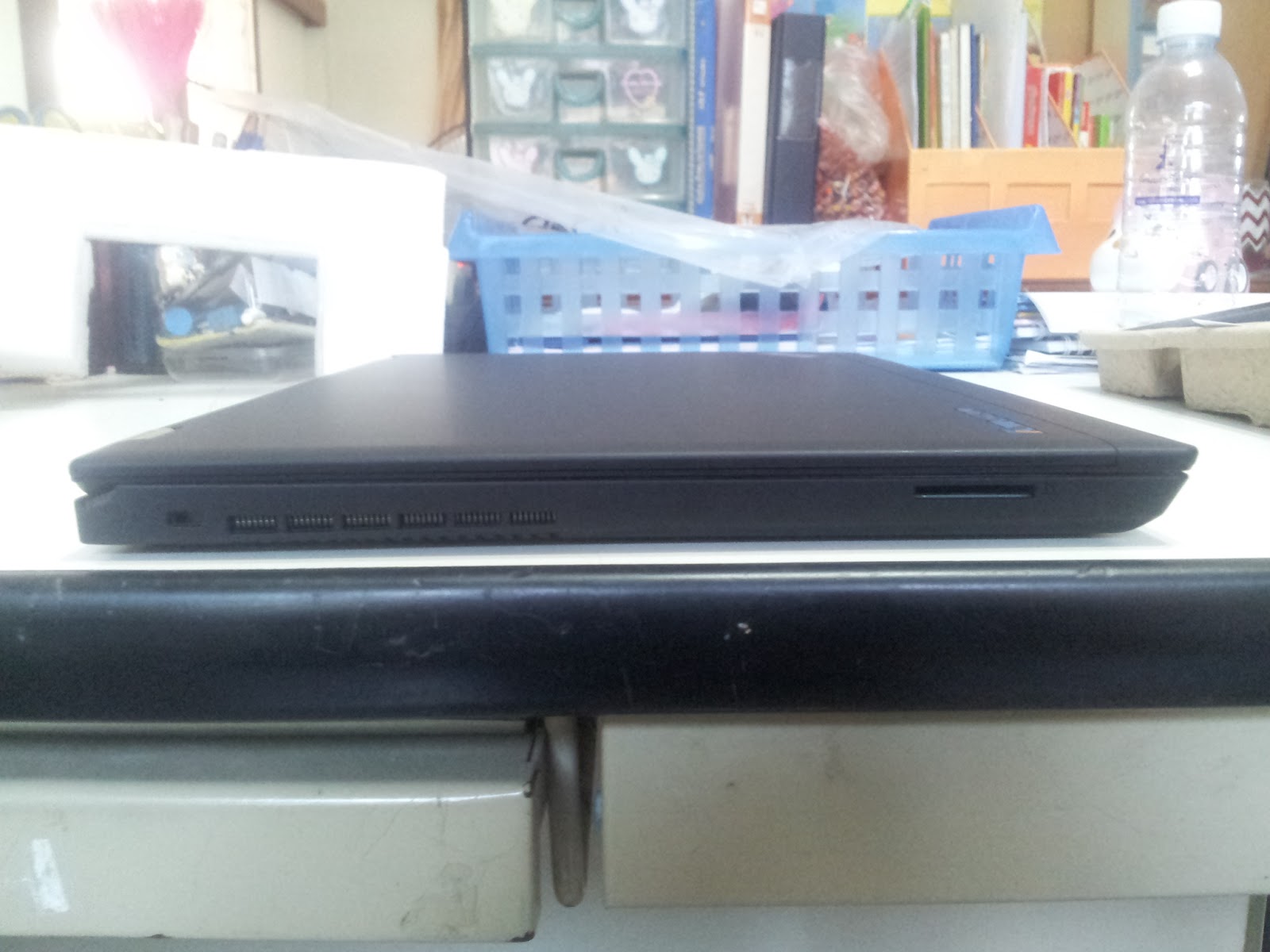
left side
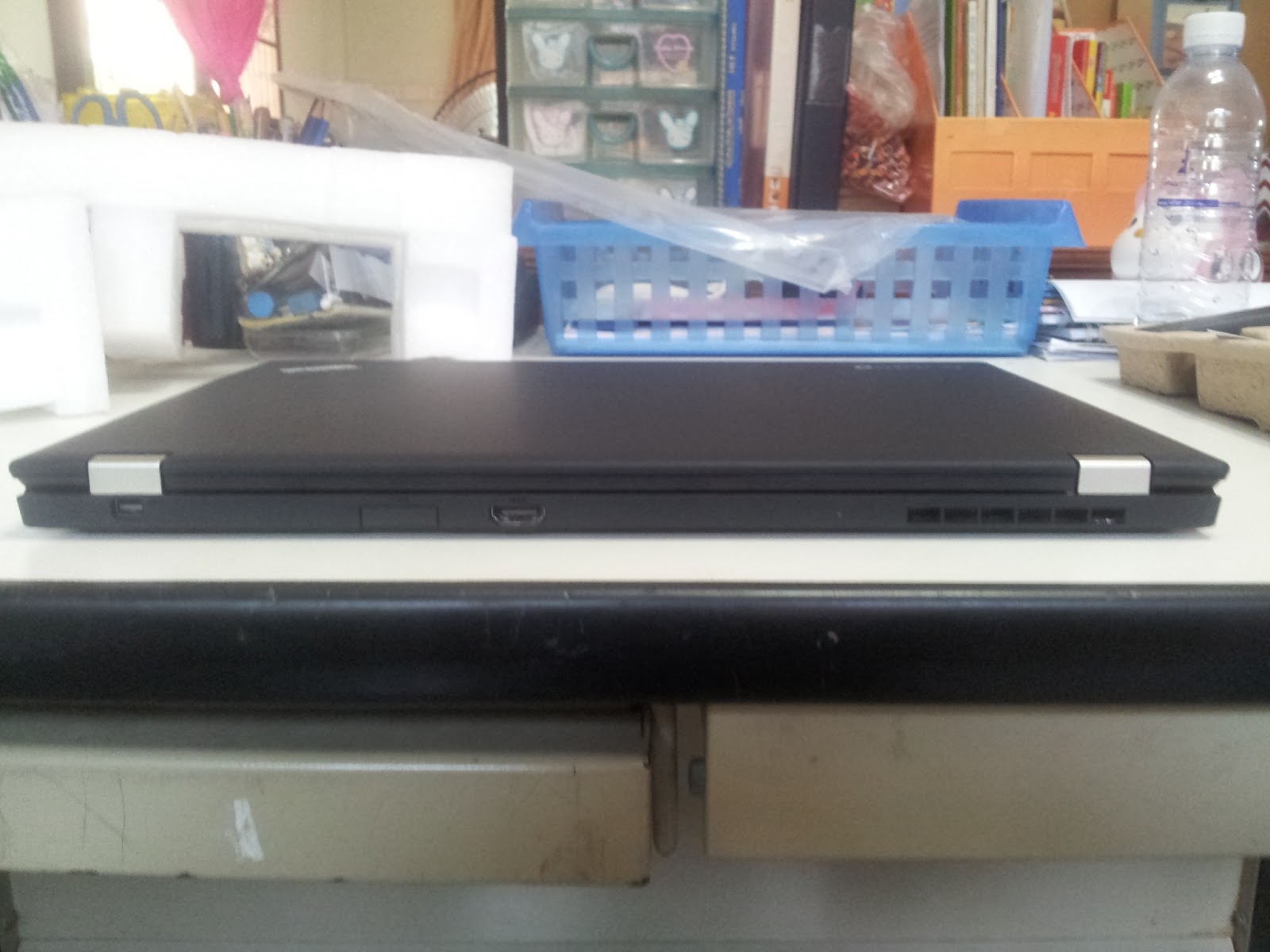
back
Upgradable Ultrabook!
The bottom lid of this model can be removed easily without any screwdriver. From there, you can access a fan and HDD. Memory module and other cards are more difficult to upgrade by removing a keyboard first (have read it on a maintenance manual) Battery? yes, it’s replaceable too.
Gaming
With GT 620M Optimus Technology, this laptop can play some current games.I’m not a gamer, so I may do something wrong. I have tried Civilization 5 with high-medium setting (AAx2) and got around 30 fps. Crisis 2 with hardcore settings and got around 15 fps. DotA2 with everything highest, got around 30 fps, too. If you’ve ever read about GT 620M, this is the 64 bit one.ComplainThe SD card reader is kind of too deep. There is a reason for this, isn’t it? I put my SD card in and tried to get it out for a half of hour!That’s all. I would say this model is very impressive! If you have any question about this, you can leave a comment down here, I will try to answer asap. :D
mixth — written in Bangkok